Product update: Generative when you want it, deterministic when you need it
The latest from GetVocal AI: a new answer-mode toggle, a clearer agent builder, sharper analytics, a new documentation hub, and more visibility into what we are building.


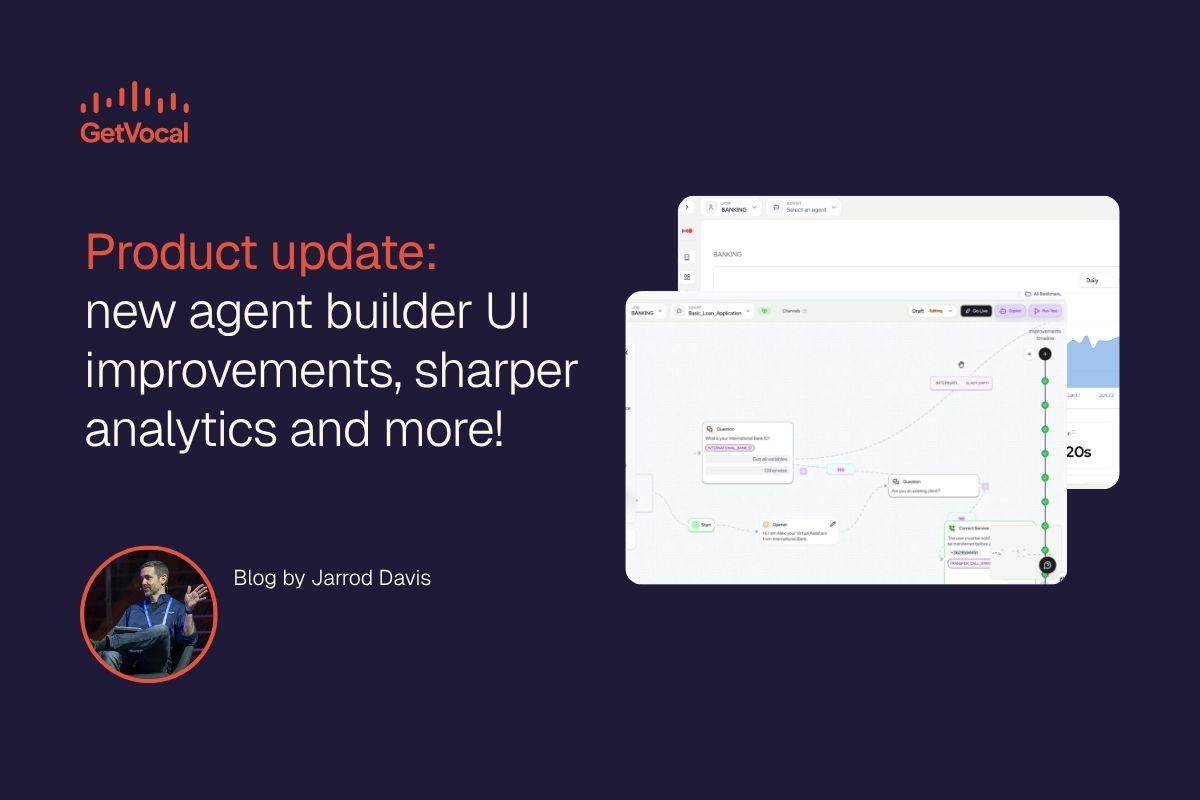
The latest from GetVocal: new agent builder UI improvements, sharper analytics, a new documentation hub, faster infrastructure, and more visibility into what we are building.
Everyone has access to the same models. What separates a pilot from enterprise AI that ships is architecture, trust and execution. This week's updates push on exactly that: tighter control over how every agent answers, faster performance under the hood, and better visibility into how your agents perform once they go live.
Here is what shipped and what's coming soon.
#Trust: decide exactly how every answer is generated
As GetVocal users know, one of the biggest strengths is not just the separation of dynamic language generation and understanding from deterministic process execution, but the ability to configure the level of generative and deterministic behavior on a granular level, including at the individual node. We’ve improved the UI to improve ease of use for business users. Users continue to be able to choose between
- Generative: the LLM handles the wording, for a natural conversation.
- Deterministic: the agent returns a fixed, pre-defined response, word for word, every time.
The model handles language. The platform enforces decisions. Where phrasing can flex, generative keeps the conversation human. Where a disclosure, a policy check or a compliance rule cannot vary, you can set it to deterministic and ensure the same input, same process, same outcome, every time. No “guardrails” necessary.
Deterministic is also faster and cheaper, since a fixed response skips the latency and cost of generating language on the fly. That means you can reserve generative for the moments that actually earn it and run everything else lean.
Set a default mode when you create an agent, then override it step by step wherever you need to.
The builder's low-level view got a full visual and structural refresh too, with a cleaner layout for defining user prompts, answers and follow-ups. Studio now recognizes variables set in global and pre-call steps, so graph conditions can reference them directly. And persona outcomes can be reordered programmatically through the API.
#Visibility: see what your agents are doing
Two client-facing surfaces are coming soon:
- Updated dashboard which provides further granularity between channel metrics and faster load times. The conversations table now runs on a lightweight, paginated summary endpoint built for speed.
- The Documentation Hub is a new in-platform home for setup and integration guides, with a built-in agent that answers questions directly in natural language.
Two smaller changes land here too. Logs have been consolidated into a single view for easier analysis. Second, when a "send alert" node flags an issue, the alert comes with an LLM-generated plain-language summary attached, so you get the key takeaway without needing to view the raw event data.
#Reach: more languages, more control over voice
Onboarding now supports non-English primary assistants. The assistant settings surface adds a per-language voice picker and a new "style" voice setting, so tone can vary by language without additional configuration.
On WhatsApp: you can close active conversations by lead directly, and a new per-assistant "End of chat" grace window lets you set a configurable termination message instead of ending sessions abruptly. Looking up a lead's ongoing conversations by phone number now also prevents duplicate conversation starts for the same lead.
#Builder: bigger instructions, more assistance while you build
The LLM-instruction field now supports up to 100,000 input characters, with an expand control that's fully keyboard-accessible. There's a new history panel under the graph tools on the build page, and an experimental LLM node mode is now available through Studio, with improved structured-extraction performance when enabled.
We're also rolling out GetVocal Assist, an AI copilot built directly into the platform. It streams suggested edits in real time, supports a "plan mode" for multi-step changes, and can hand specialized sub-tasks off to focused sub-agents with their own transcripts and graph highlights. More on this as it becomes generally available.